
You will need to add credit card details into VoiceBox for payment once your trail period has expired. If there are no payment details the account will suspend and you will be notified by email that the account is suspended pending updating payment details.
Payment details are located in the dictation subscription. Please note that this is even if you are not using dictation.
To set up your card in VoiceBox:
1. Log into the tenant admin application (practice log in)
2. From the Menu select settings
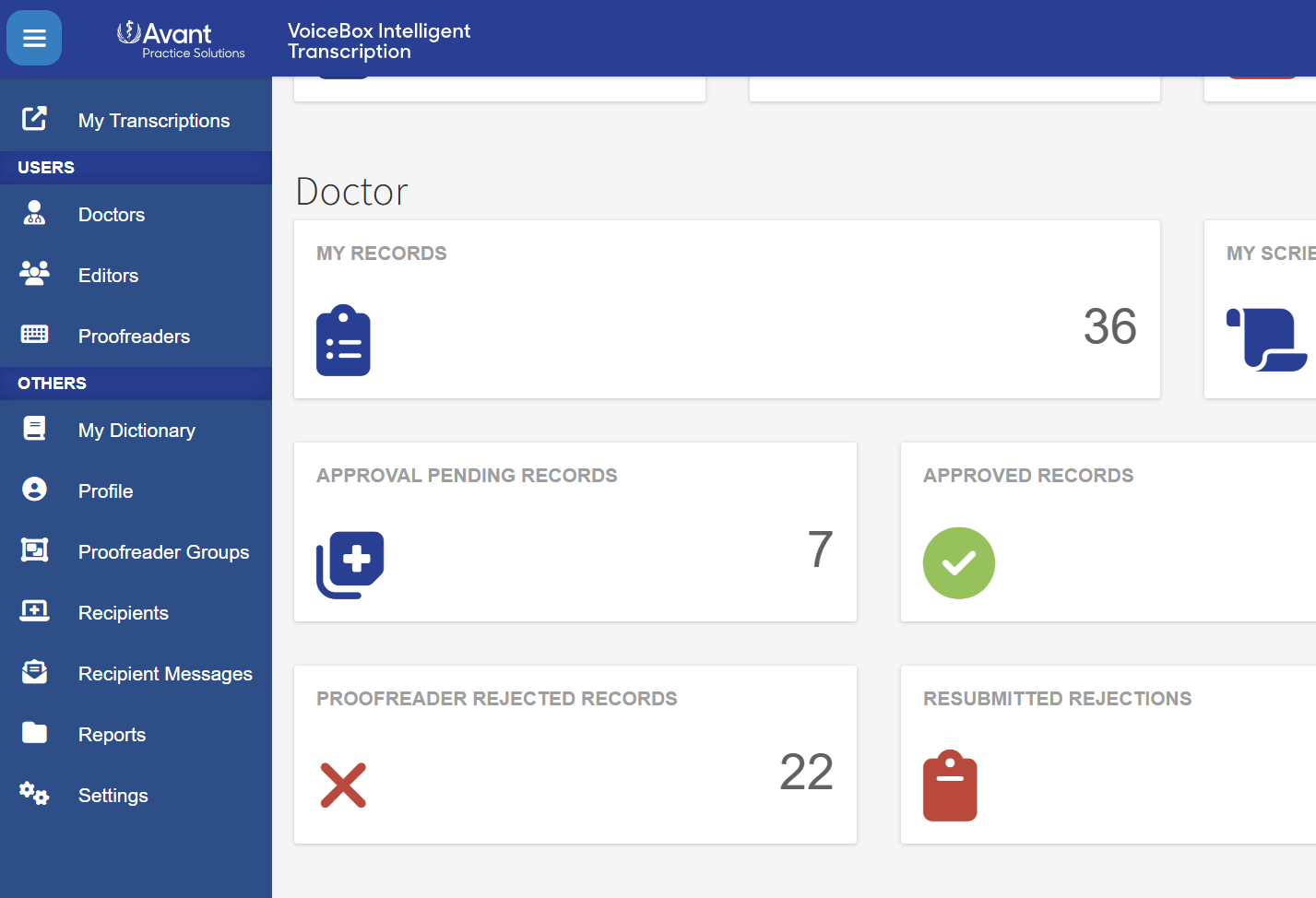
3. In settings scroll down to see subscriptions
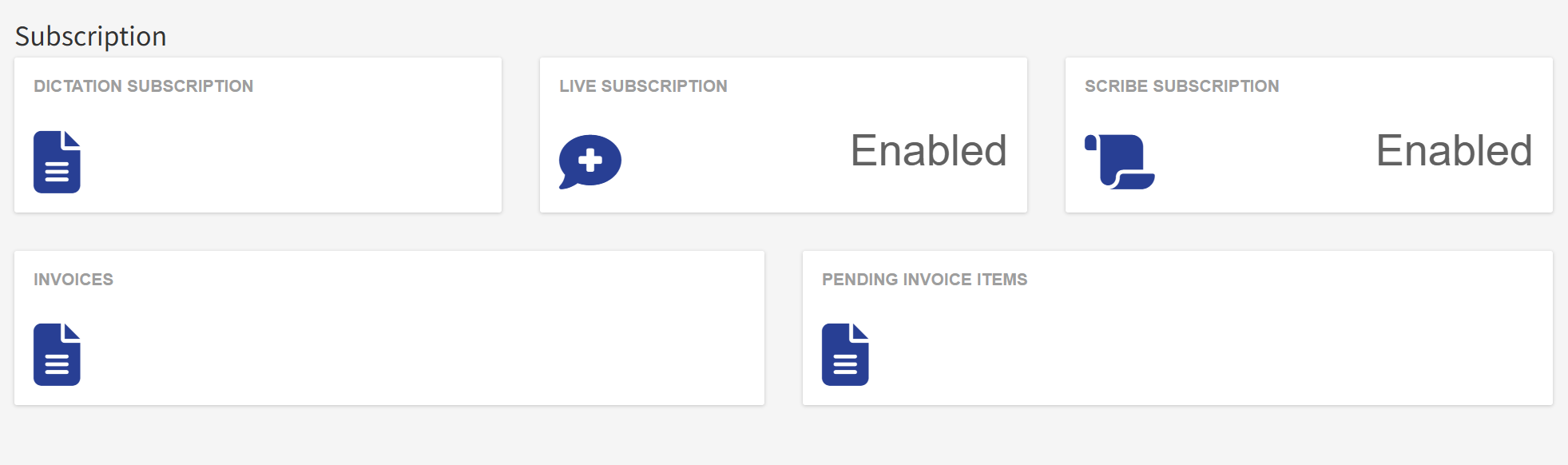
4. click on dictation subscription
5. click +New under card details and enter the card
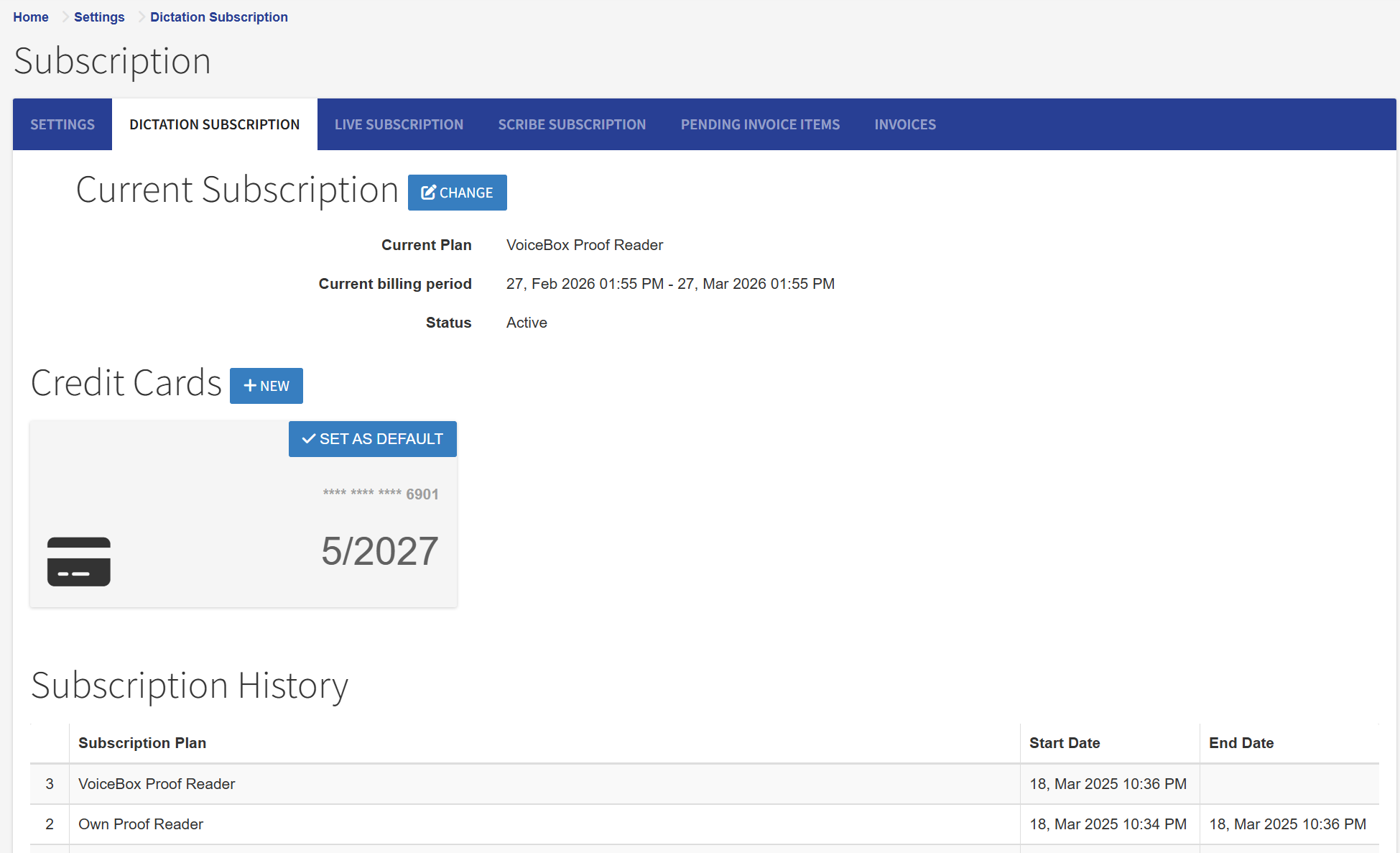
6. set the card as default using the button in the top right of the card details
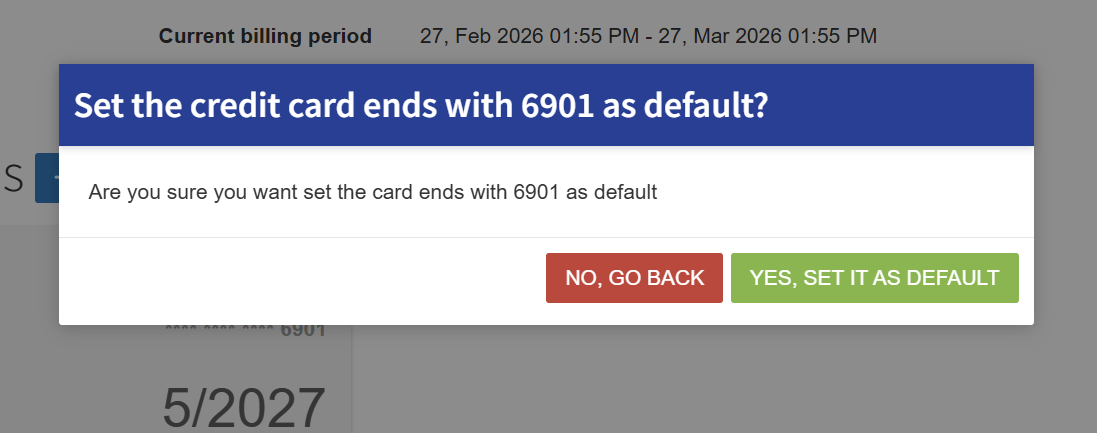
To update existing details, follow steps 1-6 above with the new card details and ensure that you set the new card to the default.